The upgrade to Fedora 43 broke my old Visual Thesaurus installation on 32-bit, and running this old software in WoW64 mode has a few caveats which I’d like to document.
First, I switched the compatibility mode to Windows XP:
winecfg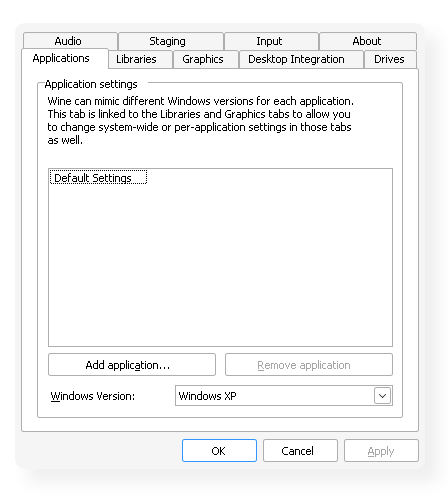
Then I installed the JRE. I used to run an older 32-bit only version, and now switched to this one, which I download directly from Oracle:
jdk-1_5_0_22-windows-amd64.exeAfter I got the JDK installed (which ran flawlessly), I executed the VT installer normally:
wine VT_Setup.exeThe installation finished without evident errors, but it failed to copy some registry entries, which resulted in VT complaining that the copy was not licensed (despite having entered a valid serial number during install wizard).
What I did then, with regedit, is to copy this whole tree:
HKEY_LOCAL_MACHINE\Software\Wow6432Node\JavaSoft\Prefs\thinkmapto this destination:
HKEY_LOCAL_MACHINE\Software\JavaSoft\Prefs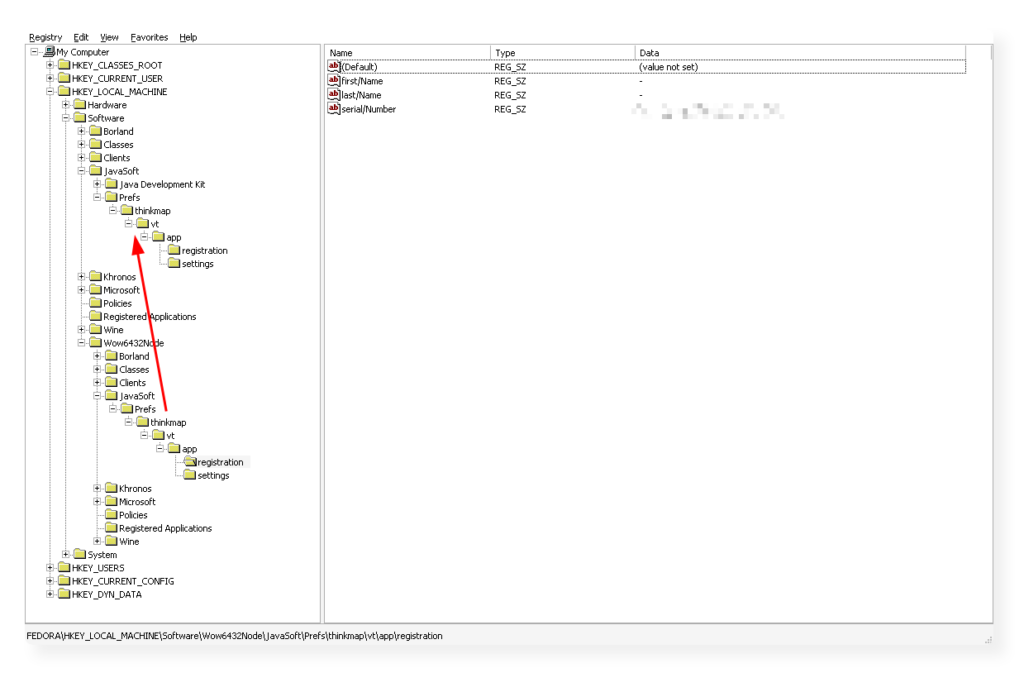
You can do it manually on the GUI or import a REG definition from text file:
Windows Registry Editor Version 5.00

[HKEY_LOCAL_MACHINE\Software\JavaSoft\Prefs\thinkmap]

[HKEY_LOCAL_MACHINE\Software\JavaSoft\Prefs\thinkmap\vt]

[HKEY_LOCAL_MACHINE\Software\JavaSoft\Prefs\thinkmap\vt\app]
"guid"="19afa0f79d1"
"install.dir"="/C:///Program /Files (x86)///Visual /Thesaurus 3"
"product.name"="/Visual /Thesaurus 3"
"product.version"="3.0.0"
"system.home"="/C://windows//system32"

[HKEY_LOCAL_MACHINE\Software\JavaSoft\Prefs\thinkmap\vt\app\registration]
"first/Name"="-"
"last/Name"="-"
"serial/Number"="<REPLACE-WITH-YOUR-KEY>"

[HKEY_LOCAL_MACHINE\Software\JavaSoft\Prefs\thinkmap\vt\app\settings]
"can/Save/Settings"="true"
"filter/Level"="0"
"restrict/Filtering"="false"
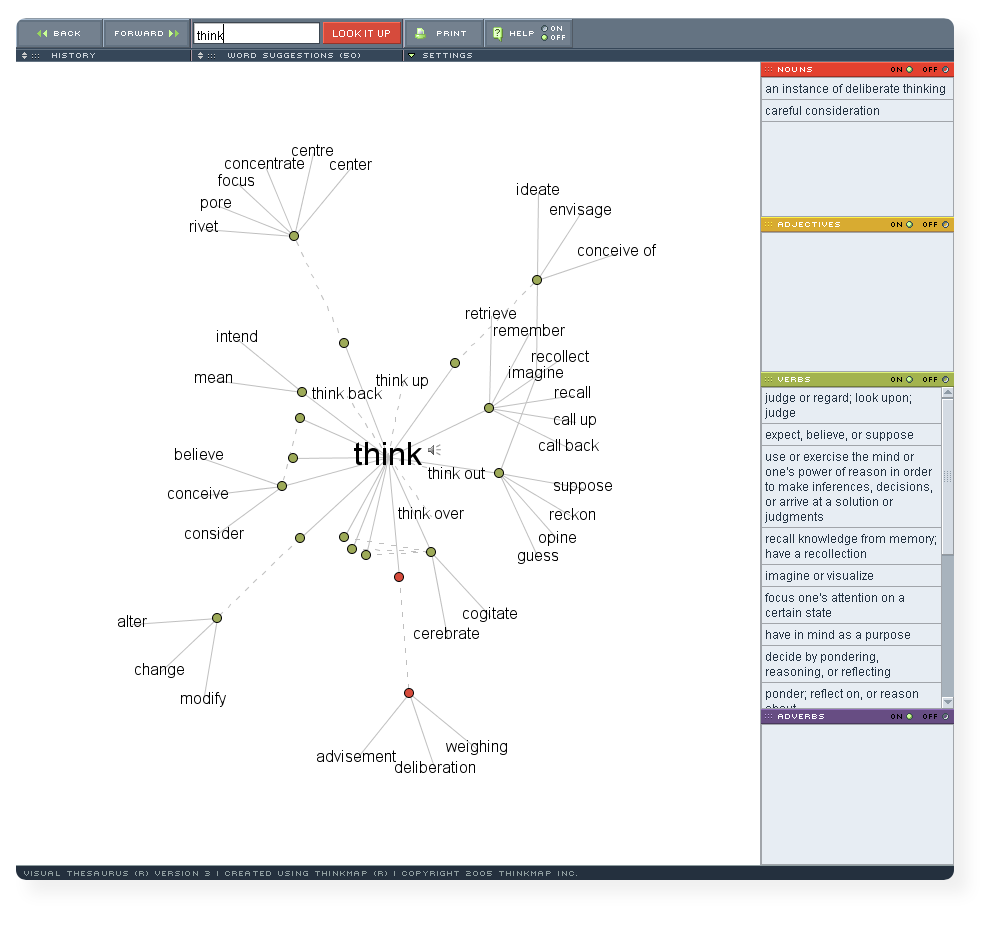
After that, VT recognized the license key and started correctly:
Leave a Reply